Getting Started
Welcome to the homelab! This guide walks you through getting access and using the available services.
Step 1: Accept Your Invitation
You should have received an invitation link from the homelab admin.
-
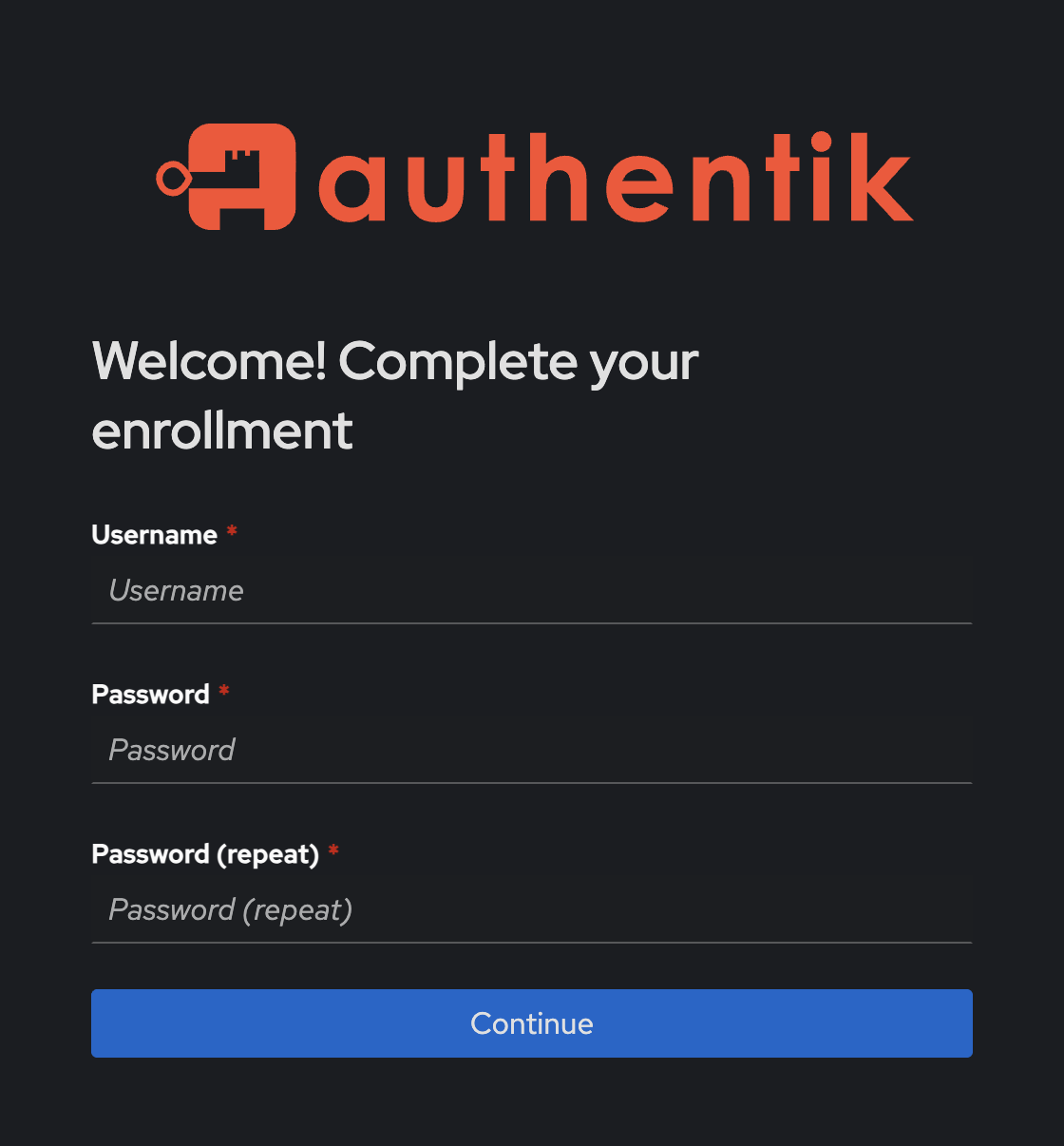
Open the link in your browser.
-
Set your username and password.
- Set your name and email.
Two-Factor Authentication (Optional)
After signing in, go to Settings → MFA Devices in your Authentik profile and enroll a second factor.
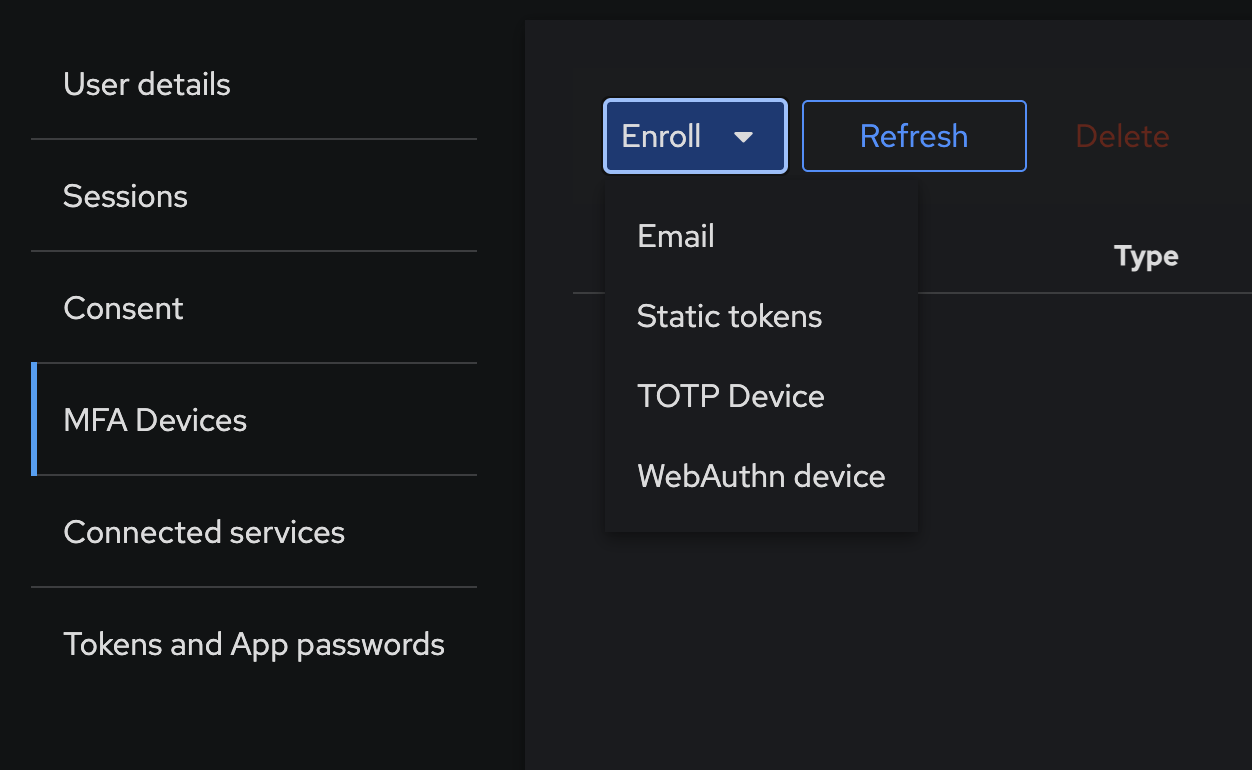
Three options are available:
Time-based one-time passwords generated by an app on your phone. Any TOTP-compatible app works:
- Google Authenticator / Microsoft Authenticator / Authy
- Aegis (Android)
- Bitwarden Authenticator (recommended — open source)
Scan the QR code shown in Authentik with your app, then enter the 6-digit code to confirm enrollment.
A one-time code sent to your registered email address each time you sign in.
No setup required — your email is already on file from enrollment.
Hardware tokens and passkeys using the WebAuthn standard. Supported devices include:
- YubiKey or any FIDO2 hardware key
- Passkeys stored in a password manager (Bitwarden, 1Password)
- Platform authenticators (Face ID, Touch ID, Windows Hello)
Click Enroll and follow the browser prompt to register your device.
Save your backup codes
After enrolling, generate and save static backup codes from the same MFA Devices page. Store them somewhere safe — these let you recover access if you lose your second factor.
Profile Picture
You can set a profile picture directly in your Authentik settings, or let it fall back automatically.
To upload a custom avatar:
- Go to your Authentik profile settings.
- Under User Avatar, click Choose File and select an image (PNG, JPEG, WebP, GIF, or BMP).
- Click Save — your avatar will appear across all homelab apps immediately.
To remove it, check Delete Avatar and save.
Fallback chain
If no custom avatar is set, Authentik checks Gravatar based on your email address, then falls back to initials. To use Gravatar, create a free account at gravatar.com with the same email you registered with.
Step 2: Pick an App
-
Jellyfin & Jellyseerr
Stream movies, TV shows, and music. Request new content to be added to the library.
-
Miniflux
RSS/Atom feed reader for following your favorite sites.